Overview
The Stalwart proxy is a multi-protocol mail proxy that sits in front of one or more mail servers, called backends, and decides for each account which backend its connections go to. Clients keep the server name, ports and passwords they already use; the proxy reads the account from the credentials they present and sends the session to the right place.
The proxy accepts IMAP, POP3, ManageSieve, SMTP submission and HTTP (including JMAP, WebDAV and JMAP over WebSocket) sessions. For each session, it identifies the account, looks up the destination assigned to that account, and joins the session to that backend. Inbound SMTP and LMTP carry no login, so they cannot be routed per account; they are passed through to one fixed backend.
Stalwart does not need a proxy to operate, in a cluster or otherwise: every node of a cluster can serve every account, and a plain load balancer is enough to spread connections. The proxy is recommended in a cluster only when accounts should be pinned to nodes for cache locality, and it is also the tool for migrations without downtime. The same routing serves three purposes, which differ only in the backends behind the proxy and in how long the proxy stays in place:
- Account-to-node routing in a cluster. Any node of a Stalwart cluster can serve any account, but a node serves an account more efficiently when the account’s data is already in that node’s caches. Pinning each account to one node keeps those caches warm; in this role the proxy stays in place permanently. Cluster routing shows this setup.
- Migrating from another mail server without downtime. Accounts move one at a time from Dovecot, Cyrus or another IMAP, POP3 and SMTP server to Stalwart. The proxy announces the client to such a backend with the conventions it understands, the XCLIENT extension of Postfix and Dovecot and the IMAP
IDcommand, so the backend still records the client’s address. Migrating from Dovecot shows this setup. - Migrating from one Stalwart server to another. An existing Stalwart deployment and a new one run side by side behind the proxy while accounts move between them, for example during a major upgrade. The proxy reads the account name from Stalwart’s OAuth bearer tokens, so it routes HTTP and JMAP traffic, including WebSocket connections, together with the mail protocols. Migrating between Stalwart servers shows this setup.
For a migration, the proxy is one part of a larger procedure, which the migration guide describes from preparation to cutover.
Connection routing
Section titled “Connection routing”The proxy cannot know where to send a session until the client has identified itself, so it conducts the beginning of each session on its own. It sends the greeting, advertises capabilities, negotiates STARTTLS where applicable, and reads the client’s authentication command:
flowchart LR
  C([Mail client]):::ink --> P[Stalwart proxy]:::brand
  P -->|lookup| M[Mapping store
file, Redis or SQL]:::muted
  P -->|account A| B1[Backend 1]:::muted
  P -->|account B| B2[Backend 2]:::muted
From the credentials, the proxy derives a routing identifier, usually the login name or the address carried in an OAuth token. It looks the identifier up in a mapping store and caches the result in memory, so that repeated connections for the same account do not reach the store. The lookup returns a destination; an account without a mapping goes to the default destination.
The proxy then connects to the destination. It can start the connection with a PROXY protocol header, or announce the client with XCLIENT or IMAP ID, and it then replays the client’s authentication. When the backend accepts it, the two connections are joined, and the session continues between client and backend. Routing describes this sequence for each protocol.
The proxy does not verify credentials itself, does not authenticate to the backend on the client’s behalf, and never stores passwords. By default, it also refuses to send credentials to a backend over an unencrypted connection.
Management
Section titled “Management”A built-in web interface, served on a dedicated TLS port, shows the live state of the proxy and changes it. Its overview reports active sessions, logins per minute, the cache hit rate and the health of every destination, with the traffic of the last hour and the most recent administrative events:
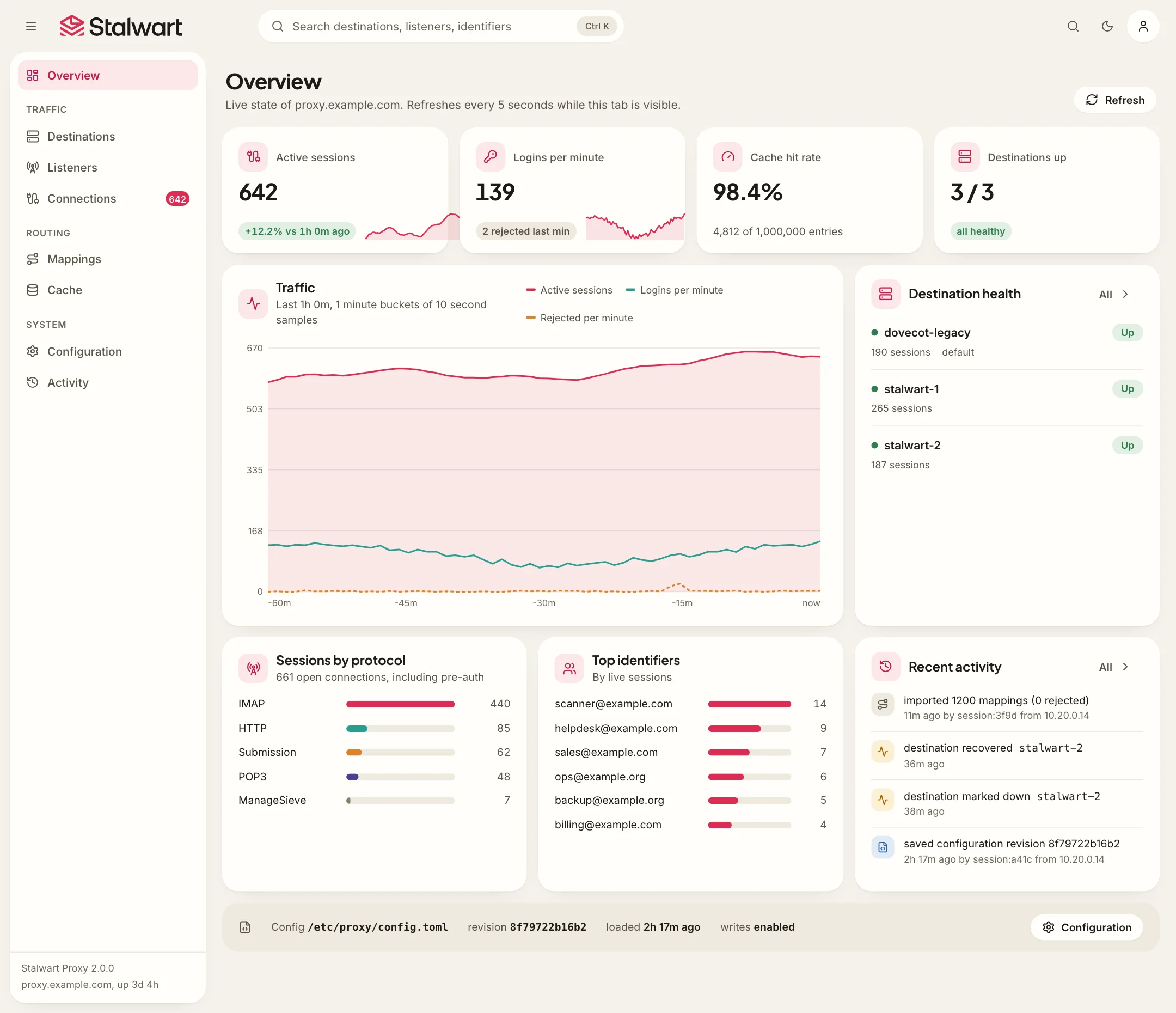
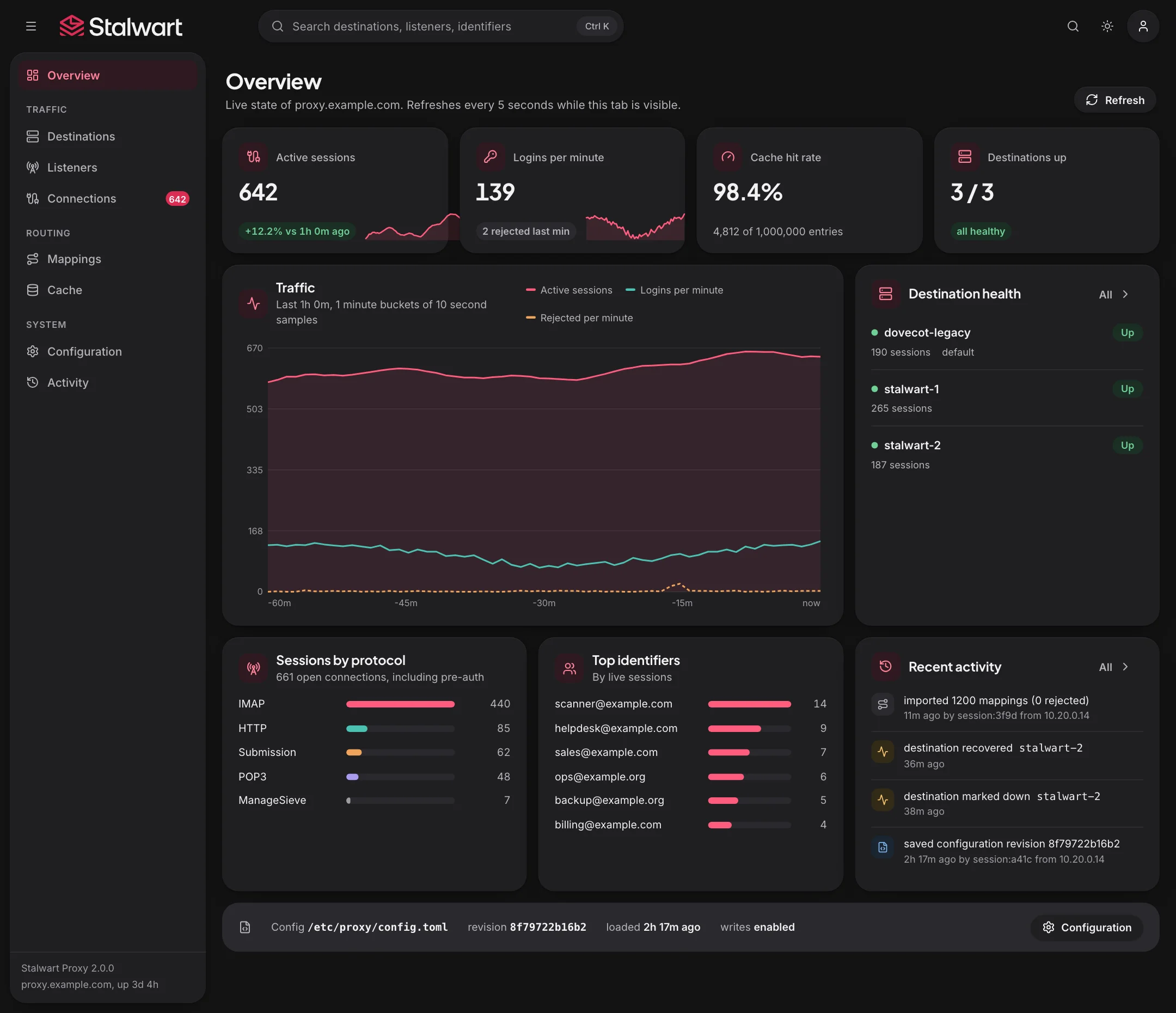
From the same interface, the administrator adds destinations, listeners and certificates, edits mappings, holds and closes an account’s sessions while it moves, and edits the configuration. Changes are validated and applied without a restart: a new listener starts accepting as soon as it is saved. The web interface page describes each view, and the management API under /api/v1 offers the same operations to scripts.
The proxy’s configuration is a TOML file, which the interface edits in place. This format belongs to the proxy alone: Stalwart itself is configured through objects, and the TOML examples in this section apply only to the proxy.
Getting started
Section titled “Getting started”A new installation starts with only the management interface enabled. The installation page covers the container image and the install script, both of which create this initial configuration, and the first sign-in. The remaining pages describe what is then configured:
- Configuration: the file, inbound TLS certificates and how changes are applied.
- Destinations and Listeners: the backends and the sockets clients connect to.
- Mappings: the file, Redis or SQL store that assigns accounts to destinations.
- Routing: how each protocol is identified, forwarded and replayed.
- Management: the web interface, the API, security of the management plane, observability and troubleshooting.