Collaboration, included with your mail
Calendars, contacts and shared files live in the same Stalwart server as your mail, with the same accounts, the same disk quotas, the same sharing model and the same backups. Every standard collaboration protocol is supported, so any client your team already runs keeps working without an add-on.
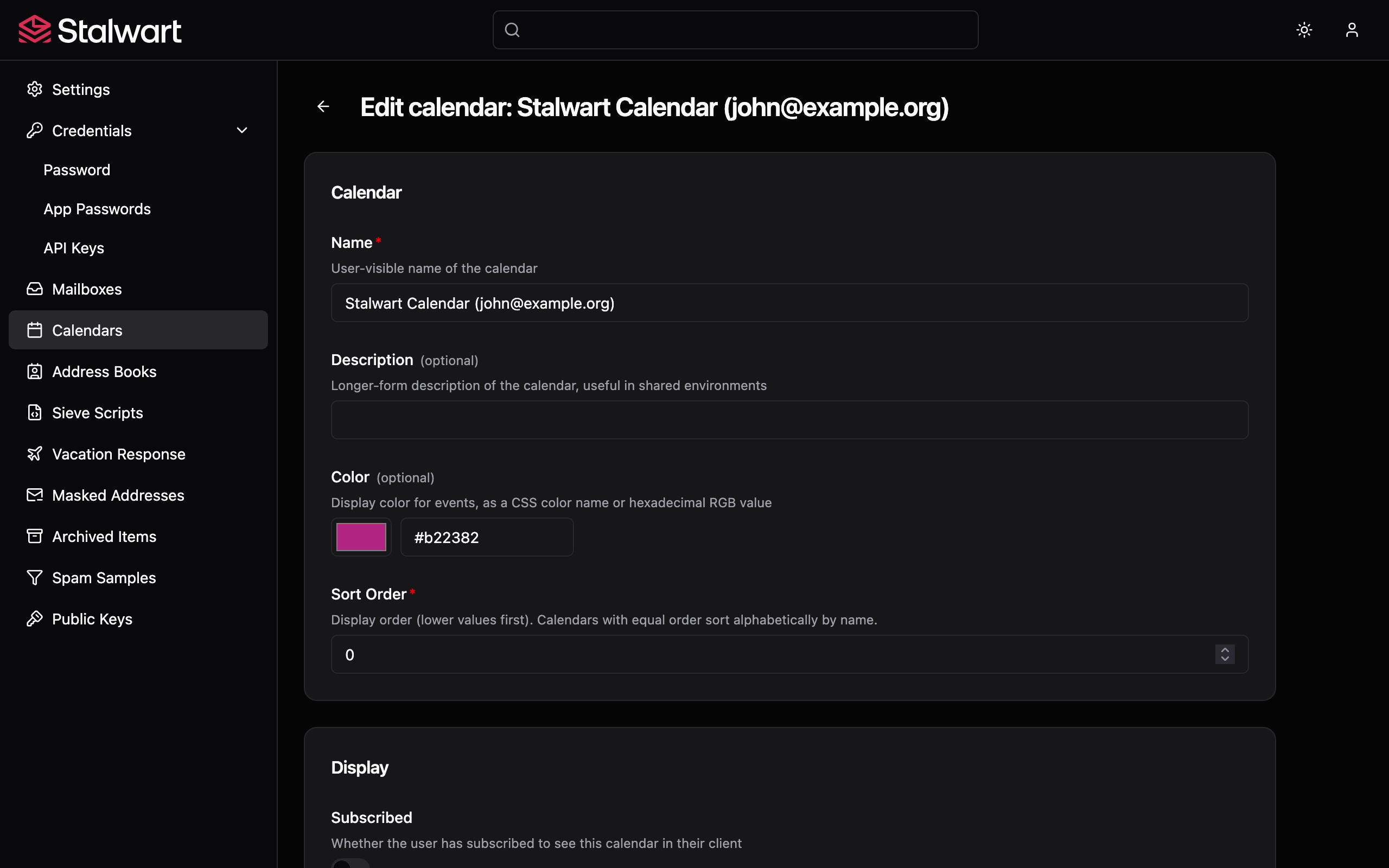
Calendars on every device.
Calendars in Stalwart show up in the apps your team already uses. CalDAV covers Apple Calendar, Outlook, Thunderbird and every mobile calendar app in the field; JMAP for Calendars covers modern clients. Personal, group and shared calendars all behave the same way; per-account and per-tenant caps stop a single team from filling up a shared deployment.
- CalDAV with scheduling for desktop and mobile clients.
- JMAP for Calendars for modern clients.
- Personal, group and shared calendars.
- Per-account and per-tenant calendar caps.
- Free/busy lookups for scheduling.
Seamless scheduling for teams and individuals.
Plan events, manage recurring meetings, set reminders and coordinate with attendees, all from inside the same product that runs your mail. Invitations reach colleagues on the same server and external recipients alike, free/busy lookups make it easy to find a time that works for everyone, and reply tracking keeps replies visible to organisers.
- Invitations and replies for events on any client.
- Email fallback for attendees outside the deployment.
- Free/busy availability for scheduling.
- Federated attendee scheduling for cross-server events.
- Configurable recipient limits to prevent abuse.
Manage, share and sync your contacts.
Contacts are exposed over CardDAV for established clients and over JMAP for Contacts for modern ones, so an address book stays in step across every device a user opens. The same address-book entries pay off elsewhere in the server: a sender already in a recipient's contacts is treated as a known correspondent by the spam filter and the calendar scheduler, which removes a common source of false positives.
- CardDAV for legacy clients.
- JMAP for Contacts for modern clients.
- Personal, group and shared address books.
- Address-book signal feeds back into spam scoring and scheduling.
Shared files alongside the mail.
Shared files live in the same server as the mail, so there is no second product to operate or pay for. Stalwart serves files over WebDAV for any standard file manager, and over JMAP for File Storage for modern clients. The same disk quota that caps a mailbox caps its files, so a user cannot bypass the cap by uploading files instead of mail.
- WebDAV for desktop and mobile file managers.
- JMAP for File Storage for modern clients.
- Unified quota with email storage.
- Personal, group and shared file spaces.
Granular control over calendars, contacts and files.
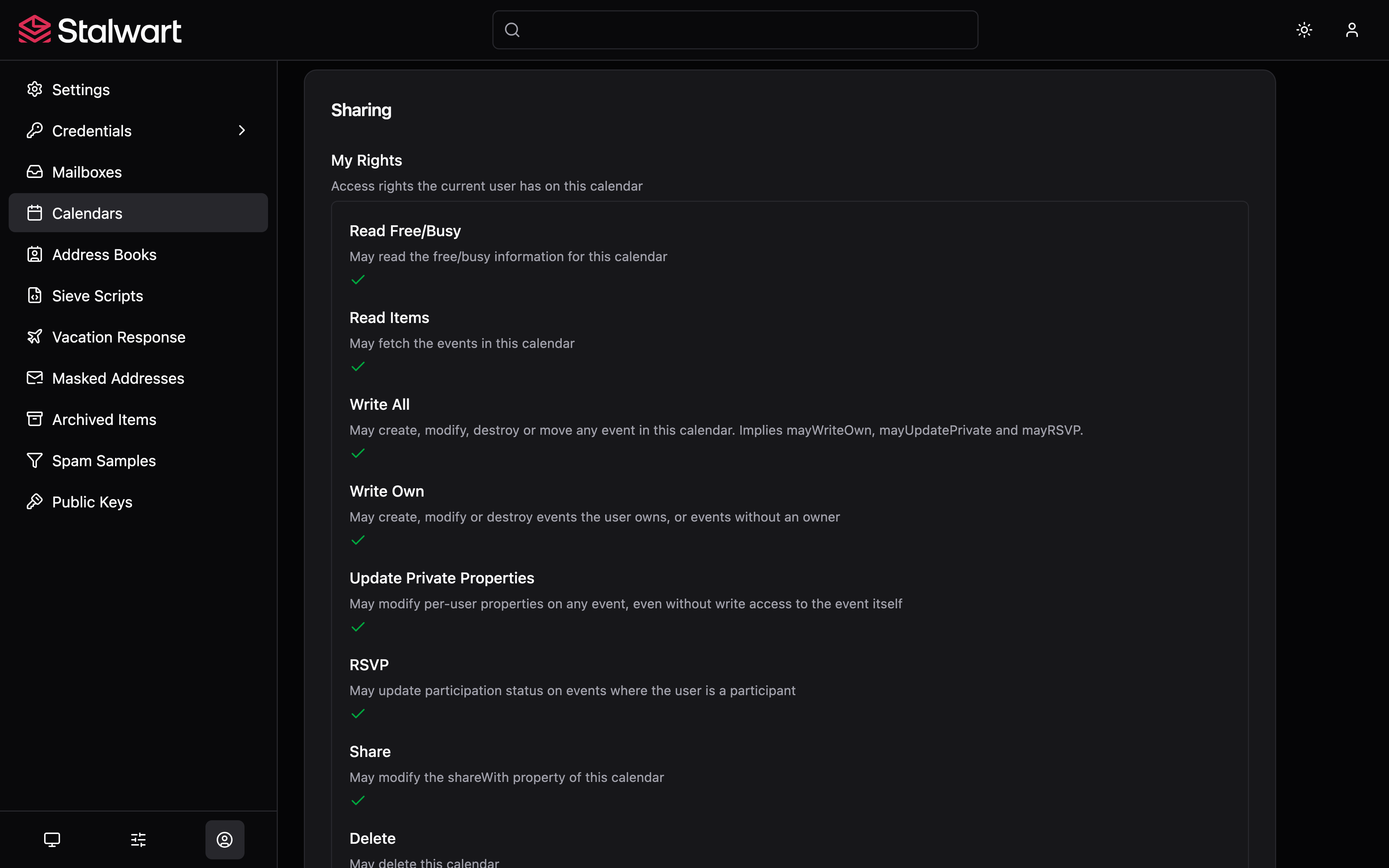
Sharing works the same way across calendars, address books and file collections, so a user only learns one set of permissions to cover the lot. Read, write and manage rights can be granted to individual users or to groups with the standard sharing protocols on both the legacy and modern client sides.
- Share calendars, address books and file spaces.
- Read, write and manage permissions per principal.
- User and group sharing.
- Standard sharing protocols on both DAV and JMAP clients.
Real-time event reminders by email.
A meeting reminder is only useful if it actually fires. Stalwart delivers email-action reminders directly from the server, so organisers and attendees get notified even when their calendar app is closed or their phone is offline. Reasonable defaults prevent floods of reminders, and external-recipient policy is configurable per deployment.
- Server-side email reminders for events.
- Sensible per-account interval limits.
- External-recipient policy configurable per deployment.
Works with every standard mail and calendar client.
Stalwart supports automatic discovery and configuration, so users can point any standard CalDAV, CardDAV, WebDAV or JMAP client at the server and get to work without manual setup. No vendor lock-in, no proprietary client required.
- Apple Mail, Calendar and Contacts.
- Mozilla Thunderbird.
- GNOME Evolution and KDE Kontact.
- iOS, Android and any standards-compliant mobile client.
- Any JMAP-compliant calendar, contacts or file-storage client.