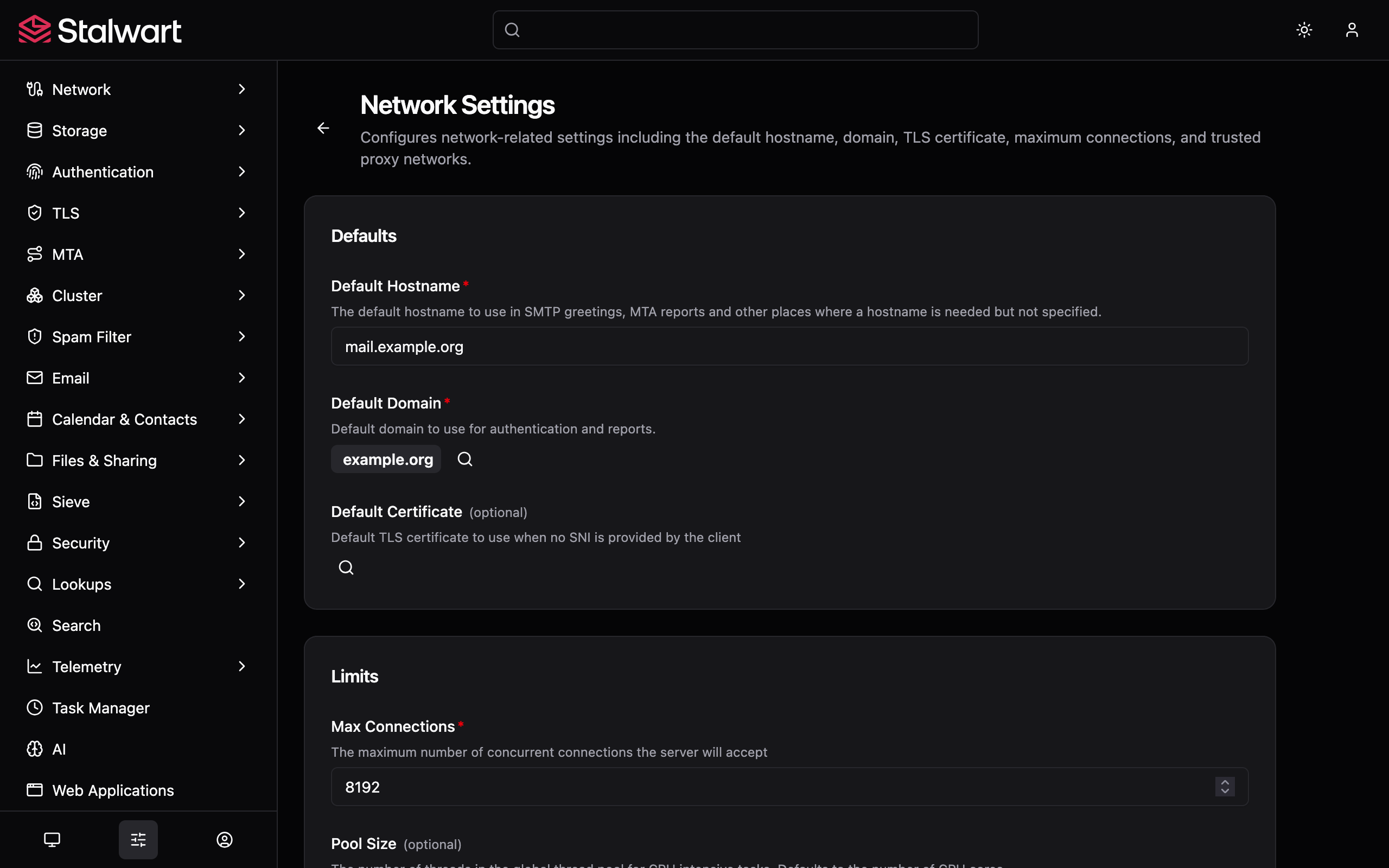
Mail server fluent in every protocol
Stalwart speaks every standard mail protocol your users' clients already use, so no one in your fleet gets left behind. JMAP for new apps, IMAP for everything else. Storage, search, external directory and automated DNS are part of the same server, so what you install is one mail server, not a stack of services to glue together.
First-class JMAP support.
JMAP is the modern replacement for IMAP, designed around JSON over HTTP instead of the old line-based wire protocol. New mail appears the moment it arrives, every device stays in step, and the protocol is efficient enough to feel native to a mobile or web app. Stalwart supports every JMAP extension, so any compliant client gets the full feature set.
- JMAP for Mail.
- JMAP for Sieve Scripts.
- JMAP over WebSocket.
- JMAP Blob Management.
- JMAP Quotas.
{
  "using": ["urn:ietf:params:jmap:core", "urn:ietf:params:jmap:mail"],
  "methodCalls": [
    ["Email/changes", { "accountId": "u1", "sinceState": "42" }, "0"],
    ["Email/get", {
      "accountId": "u1",
      "#ids": { "resultOf": "0", "name": "Email/changes", "path": "/created" },
      "properties": ["subject", "from", "receivedAt"]
    }, "1"]
  ]
}No client left behind.
Stalwart ships full IMAP4rev2 with IMAP4rev1 fallback, plus a POP3 server for older devices, so an existing fleet keeps working without forcing a client migration. Per-account quotas show up directly in the client, and users can edit their own server-side filters through any ManageSieve client.
- IMAP4rev2 and IMAP4rev1 with dozens of supported extensions.
- IMAP QUOTA reporting per account.
- ManageSieve for user-managed server-side filters.
- POP3 with STLS and SASL for older devices.
Hands-off DNS for every mail domain.
DNS is the most common reason a mail deployment breaks, and the hardest one for a generalist administrator to debug. Stalwart can publish and maintain a domain's records directly against a managed zone, so the manual copy-and-paste step that breaks the most deployments goes away. Records reconcile on save, propagation is checked before a key is activated, and ACME DNS challenges run through the same automation.
- Direct integration with Cloudflare, Route 53, Google Cloud DNS, DigitalOcean, OVH and others.
- Dynamic DNS updates with TSIG or SIG(0) for self-hosted authoritative servers.
- Automatic publication of MX, SPF, DKIM, DMARC, TLSA and autoconfig records.
DKIM keys, rotated on a schedule.
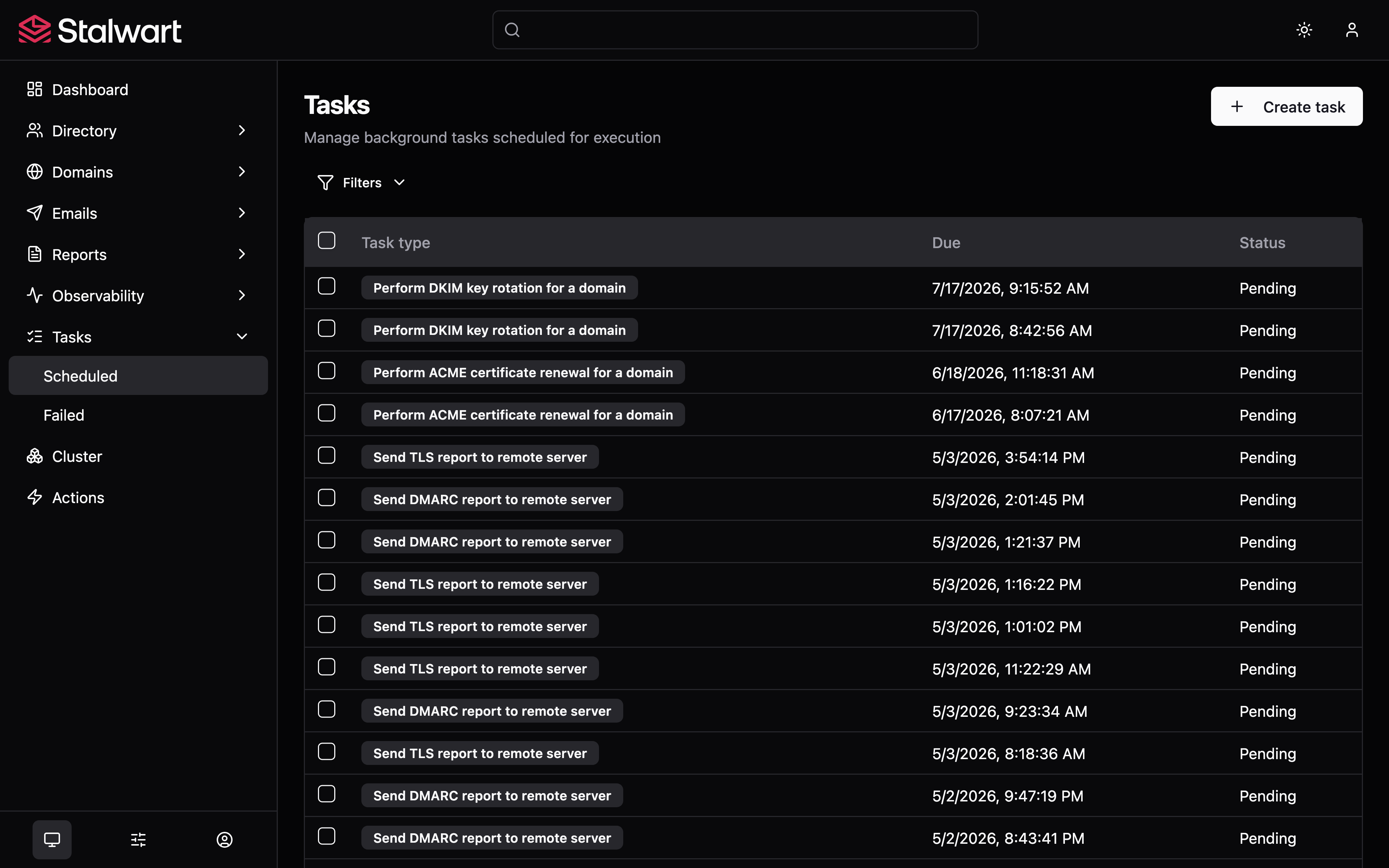
Rotating DKIM signing keys on a schedule is recommended practice and easy to forget under operational pressure. Stalwart owns the full lifecycle: new keys are generated on schedule, published in DNS, activated only after propagation is observed, then retired and deleted on configurable timers.
- Per-domain rotation cadence.
- Selector templating with date and version variables.
- Emergency rotation on demand for suspected key compromise.
Certificates that renew themselves.
Expired TLS certificates are a routine cause of avoidable outages. Stalwart implements ACME directly so renewals run well before expiry, every supported challenge type is available, and TLSA records are refreshed alongside the new certificate so DANE keeps validating without a second tool in the loop.
- Every supported ACME challenge type.
- External Account Binding for CAs that require it.
- On-demand renewal triggered after a DNS update.
- Automatic TLSA refresh after each rotation.
Clients configure themselves.
Helpdesk tickets that begin "I can't get my email set up" disappear when a client can fetch its own settings from the server. Pointing a mail client at a Stalwart server returns IMAP, POP, SMTP, CalDAV and CardDAV settings without the user typing a host name. The modern UA Autoconfig discovery is served alongside the legacy Mozilla Autoconfig and Microsoft Autodiscover v1 and v2 formats, so old and new clients are both covered.
- Modern UA Autoconfig discovery.
- Mozilla Autoconfig for older Thunderbird-based clients.
- Microsoft Autodiscover v1 and v2 for Outlook and Exchange clients.
Multi-tenant from the ground up.
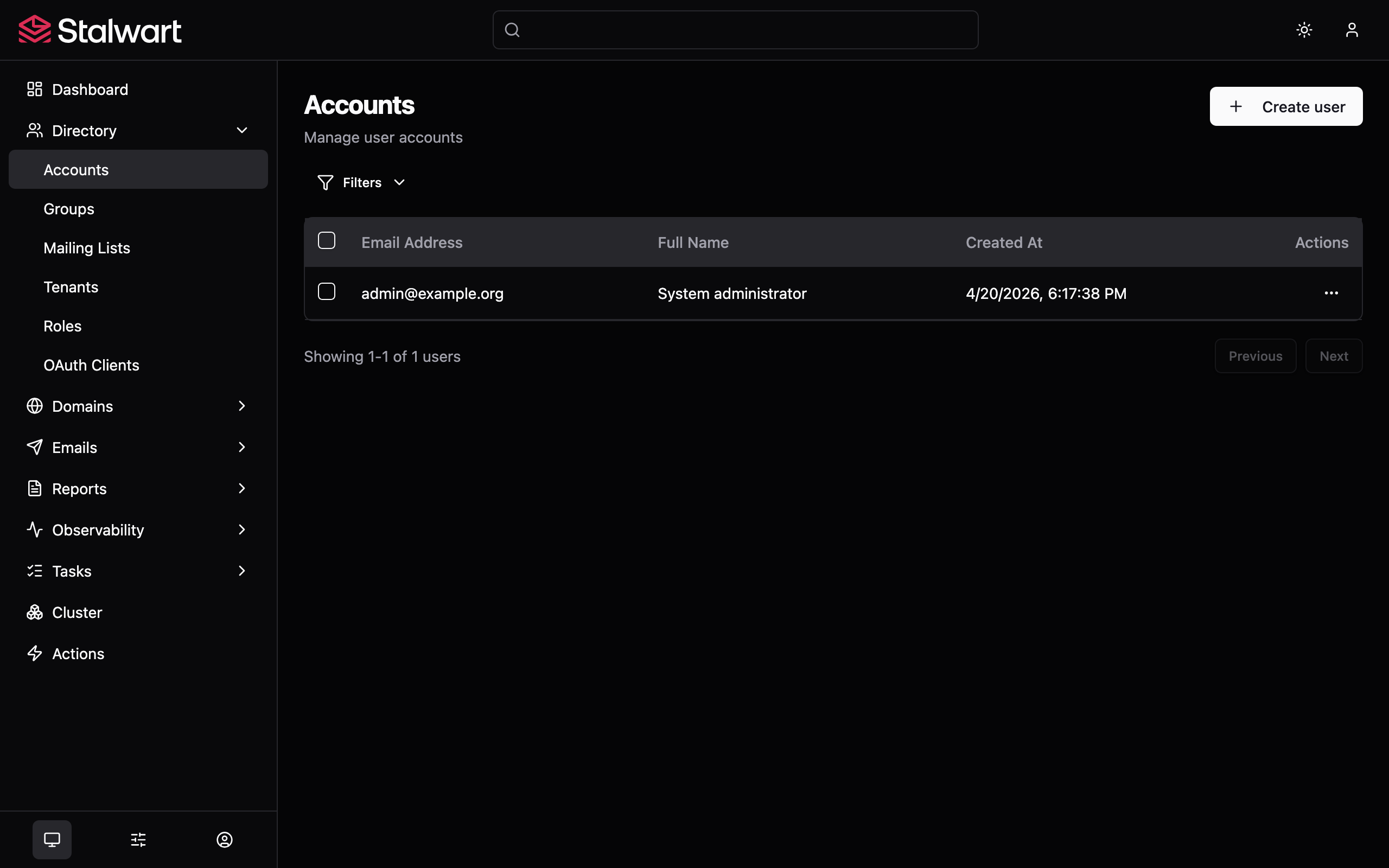
Stalwart was built for multi-tenancy from the start, so hosting many organisations on the same deployment stays safe by design. Accounts, domains and tenants are fully isolated; disk quotas are enforced per user and per tenant; aliases and catch-all addresses can be enabled, disabled or annotated; and a whole domain can be redirected onto another without touching the mailboxes underneath.
- Multi-tenant by design, with per-tenant administrators and quotas.
- Domain aliases (one domain pointing at another).
- Email aliases with descriptions; the alias mechanism can be disabled per account.
- Plus-addressing, sub-addressing, catch-all and mailing-list expansion.
- Disk quotas per user and per tenant.
Filter, route and rewrite without leaving the server.
Mail rules belong on the server, where they apply to every device a user opens. Stalwart includes a full Sieve interpreter with every registered extension. User scripts run sandboxed and are managed through any standard ManageSieve client or JMAP; administrators run trusted scripts at SMTP stages with elevated permissions.
- Every IANA-registered Sieve extension.
- ManageSieve and JMAP for Sieve Scripts management.
- Trusted and untrusted execution contexts.
require ["fileinto", "imap4flags", "vacation", "envelope"];

# Newsletters land in their own folder.
if header :contains "List-Id" "@" {
  fileinto "INBOX/Newsletters";
  stop;
}

# Tag and route monitoring alerts.
if envelope :is "from" "[email protected]" {
  addflag "\\Flagged";
  fileinto "INBOX/Alerts";
  stop;
}

# Out-of-office reply, once per sender per week.
vacation :days 7
"I am away until Monday. Will reply on return.";Manage everything from a browser.
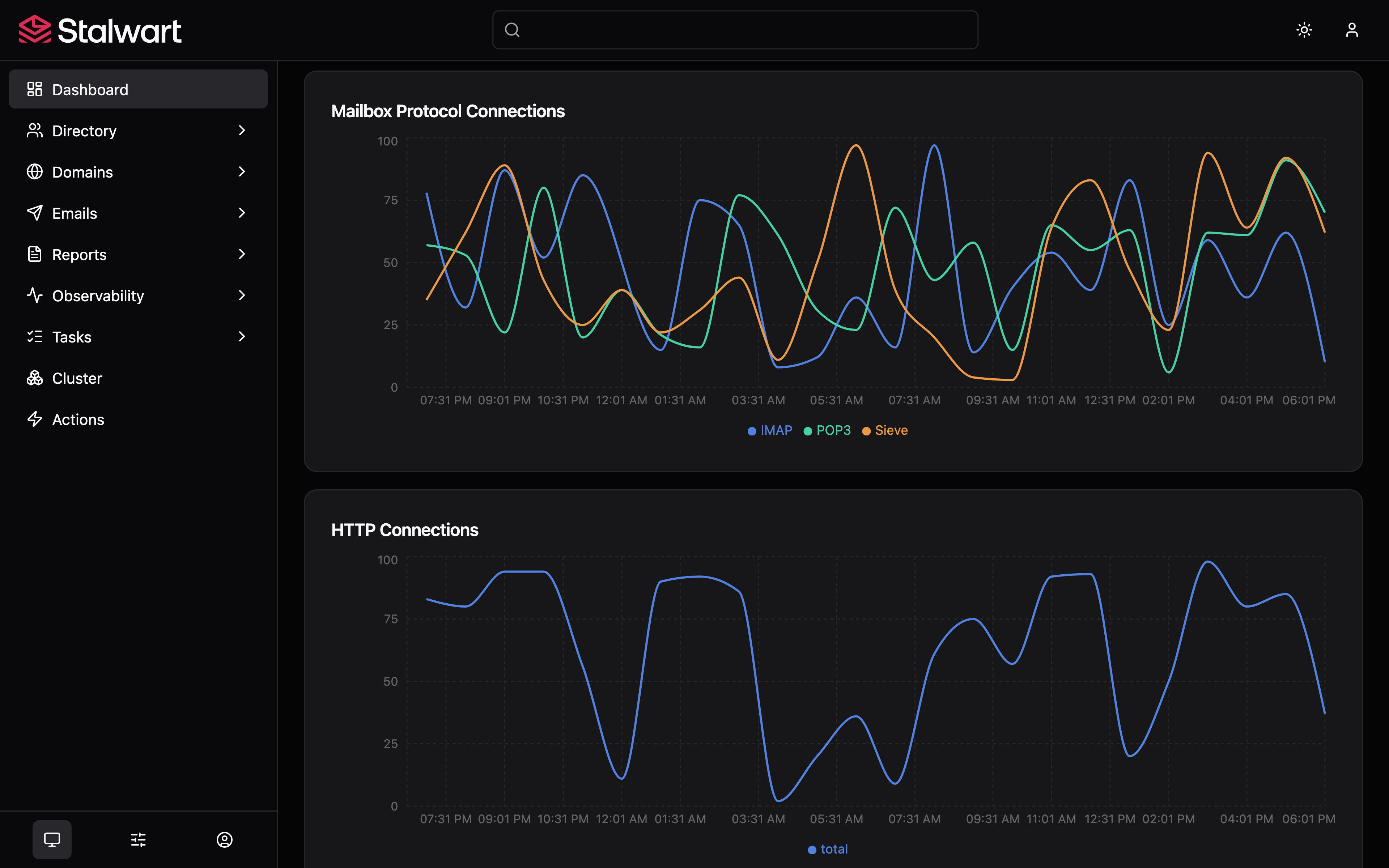
Day-to-day administration happens in a browser, not in a config file or an SSH session. Account, domain, group and mailing-list management; SMTP queue and report visualisation; configuration of every server object; a log viewer with search; and a self-service portal for password reset and encryption-at-rest key management, all in one console.
- Real-time dashboards and live tracing.
- Account, domain, group, list and Sieve management.
- Queue and report visualisation for DMARC, TLS-RPT and ARF.
- Configuration of every server object from a single web admin.